 RSSPRGM


Introduction
Introduction to Version Control and Git
See how a team keeps track of a changing project. Using a Minecraft server plan, we compare edits, record a version, revisit an earlier decision, and review a contribution together.
Introduction to Version Control and Git
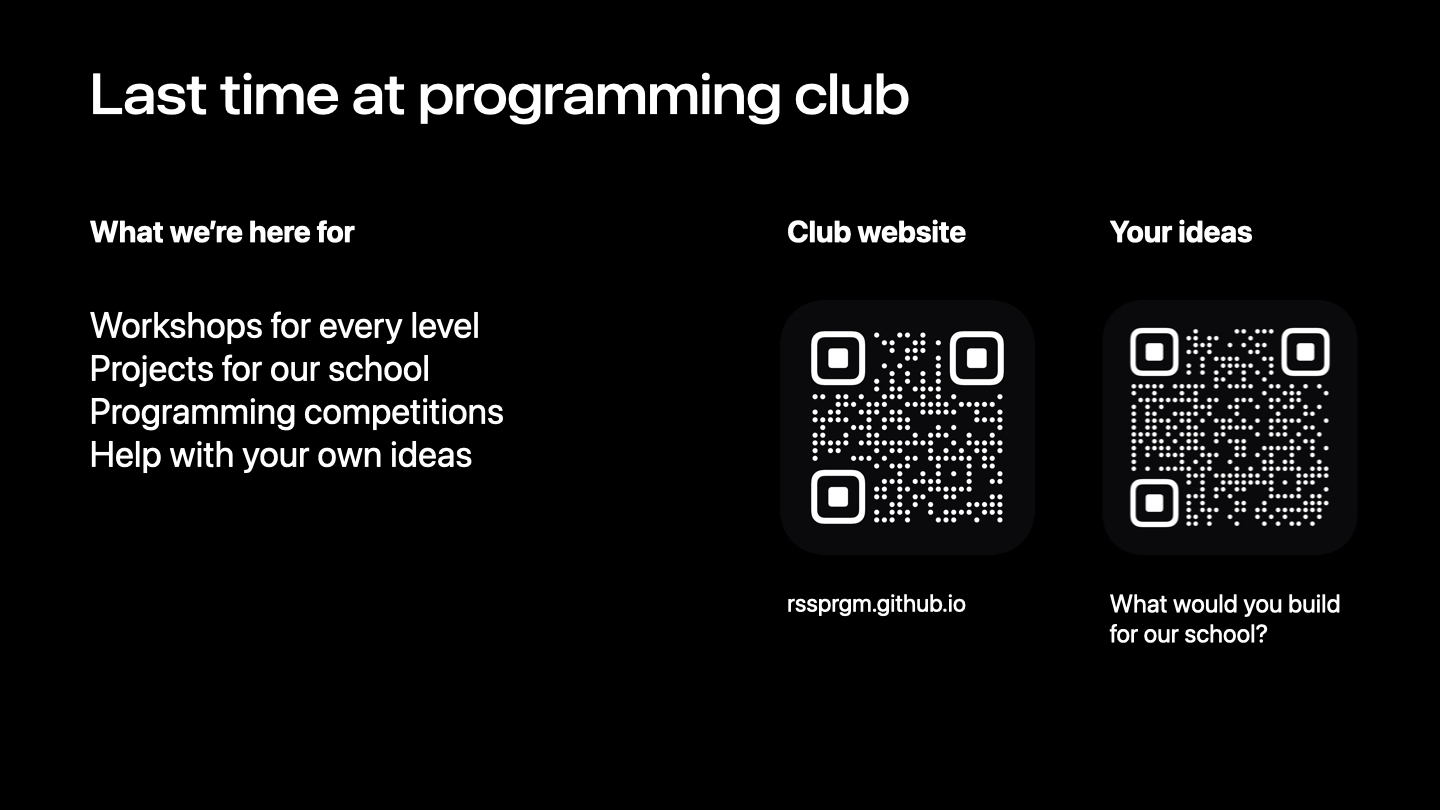
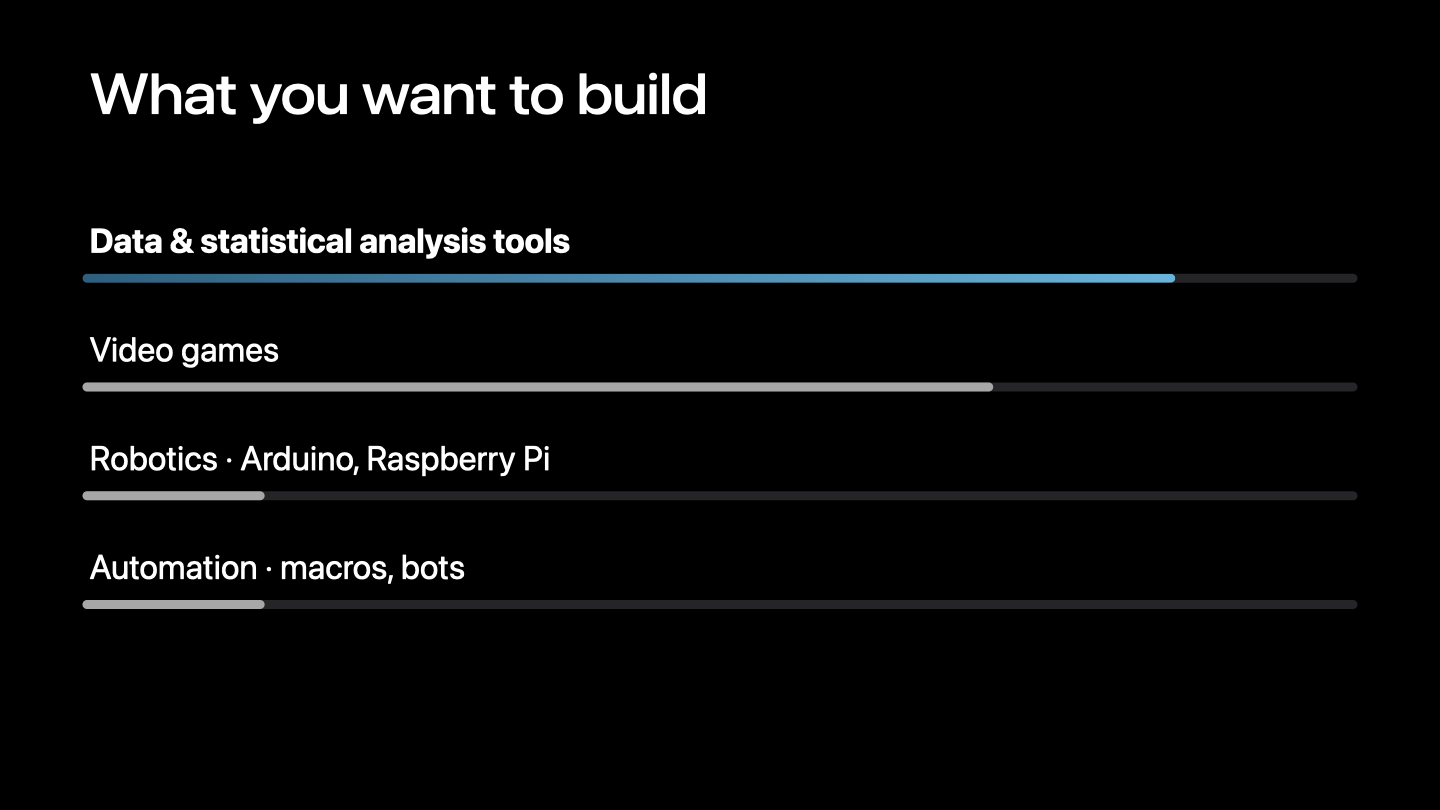
A recap of the previous meeting and the club’s project interests.
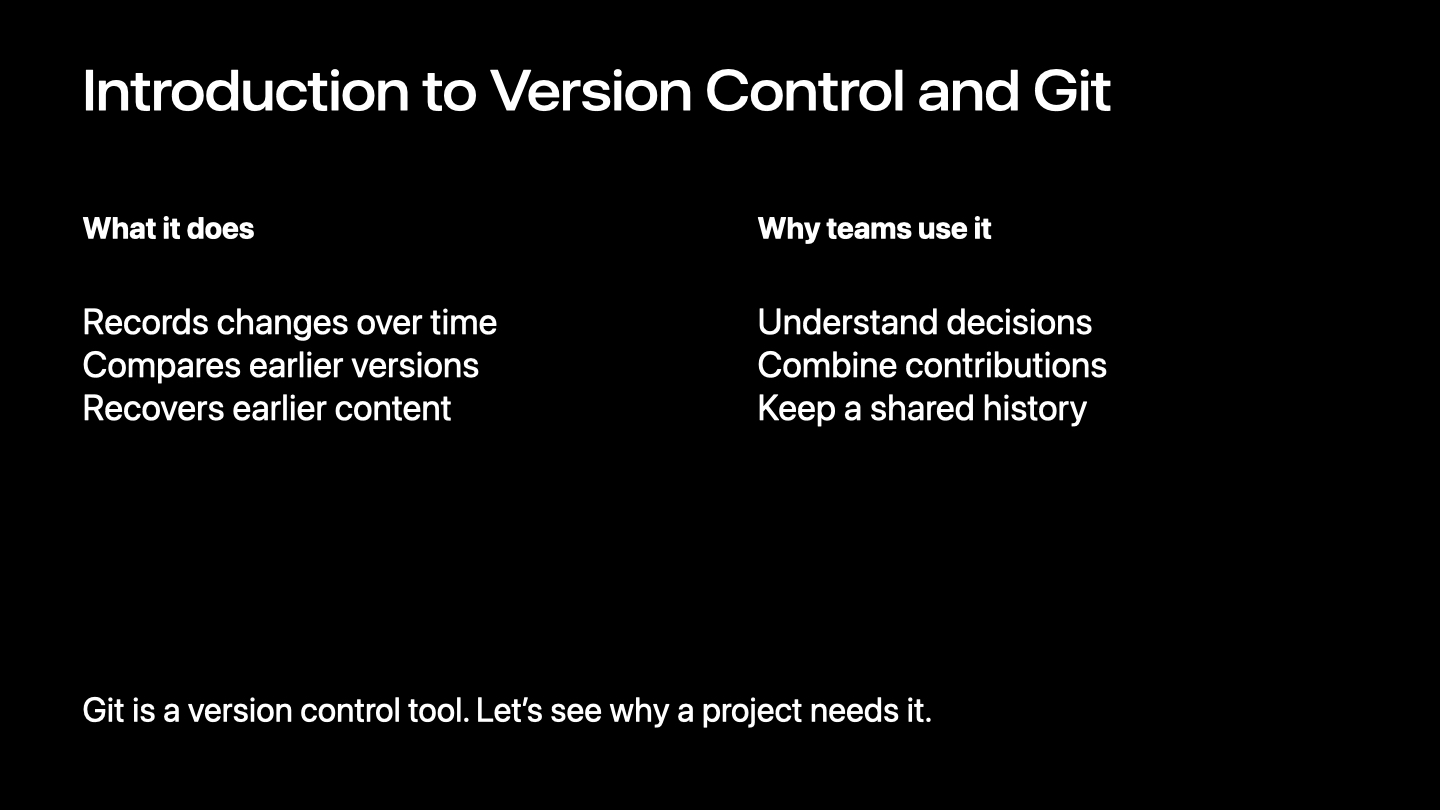
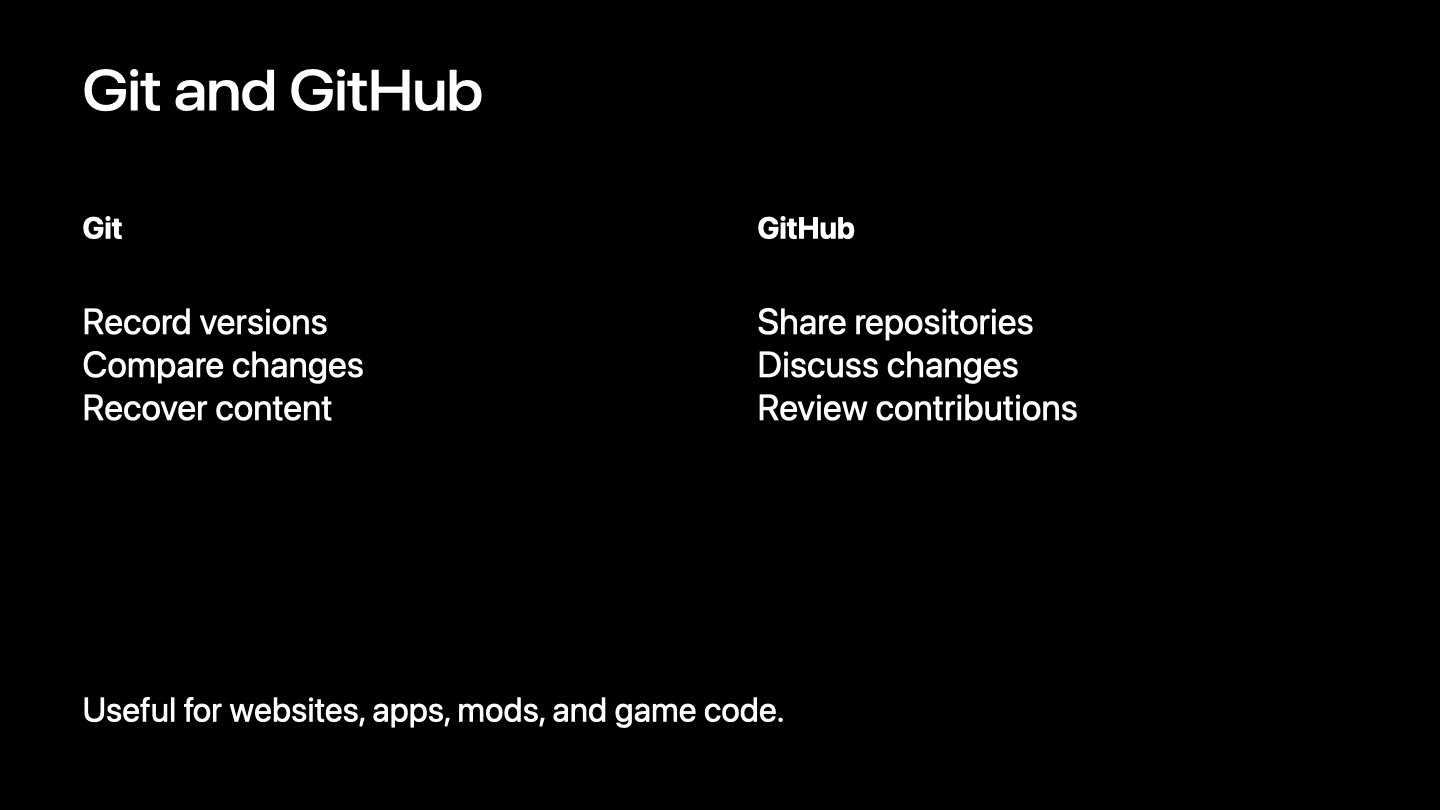
Version control records changes to files over time. Compare earlier versions, recover content, and understand how a shared project developed.
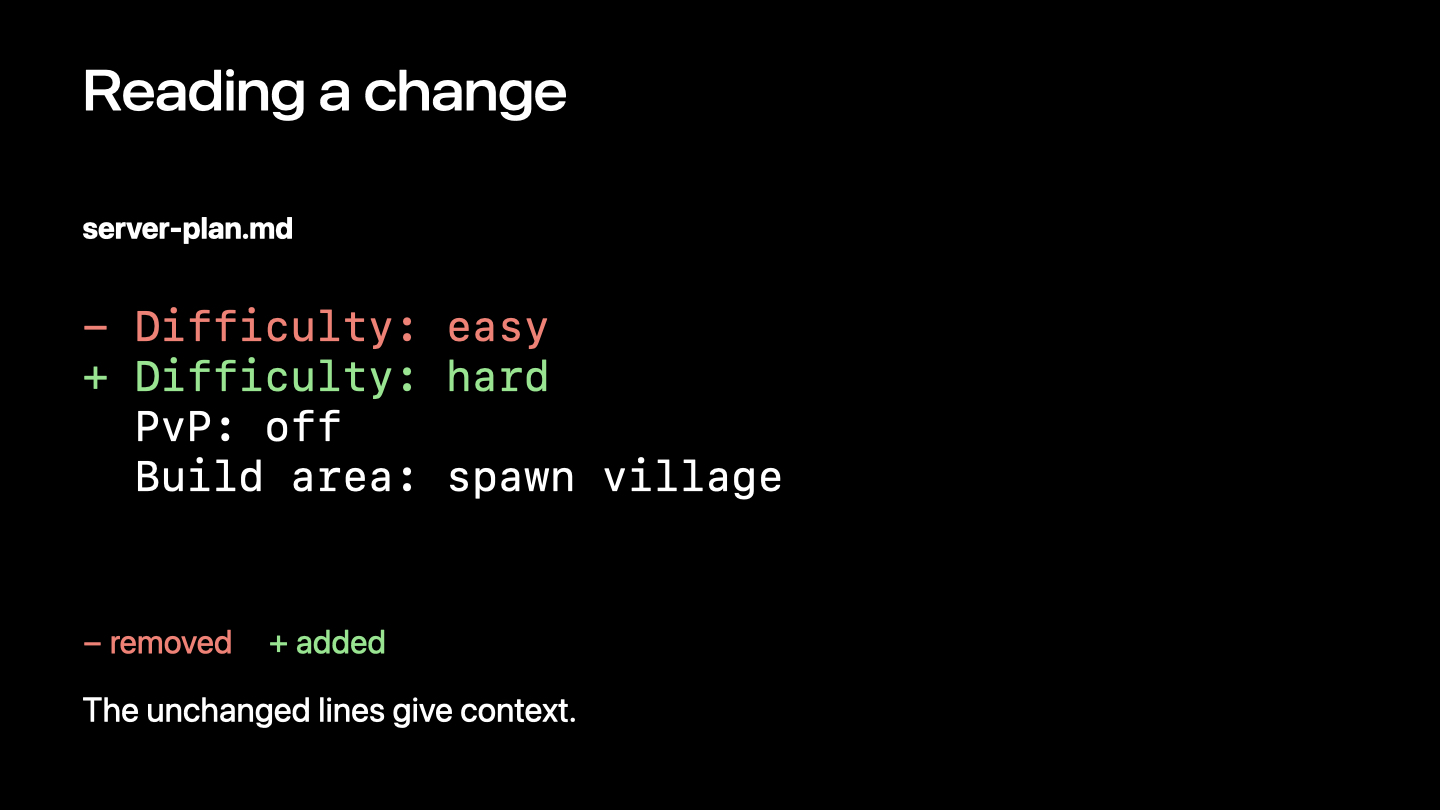
A small server plan makes a change easy to inspect. A diff separates removed lines, added lines, and unchanged context.
Inspect the working files, select the intended change, then record it with a meaningful commit message.
Read the history and inspect an earlier file without replacing the version you are working on.
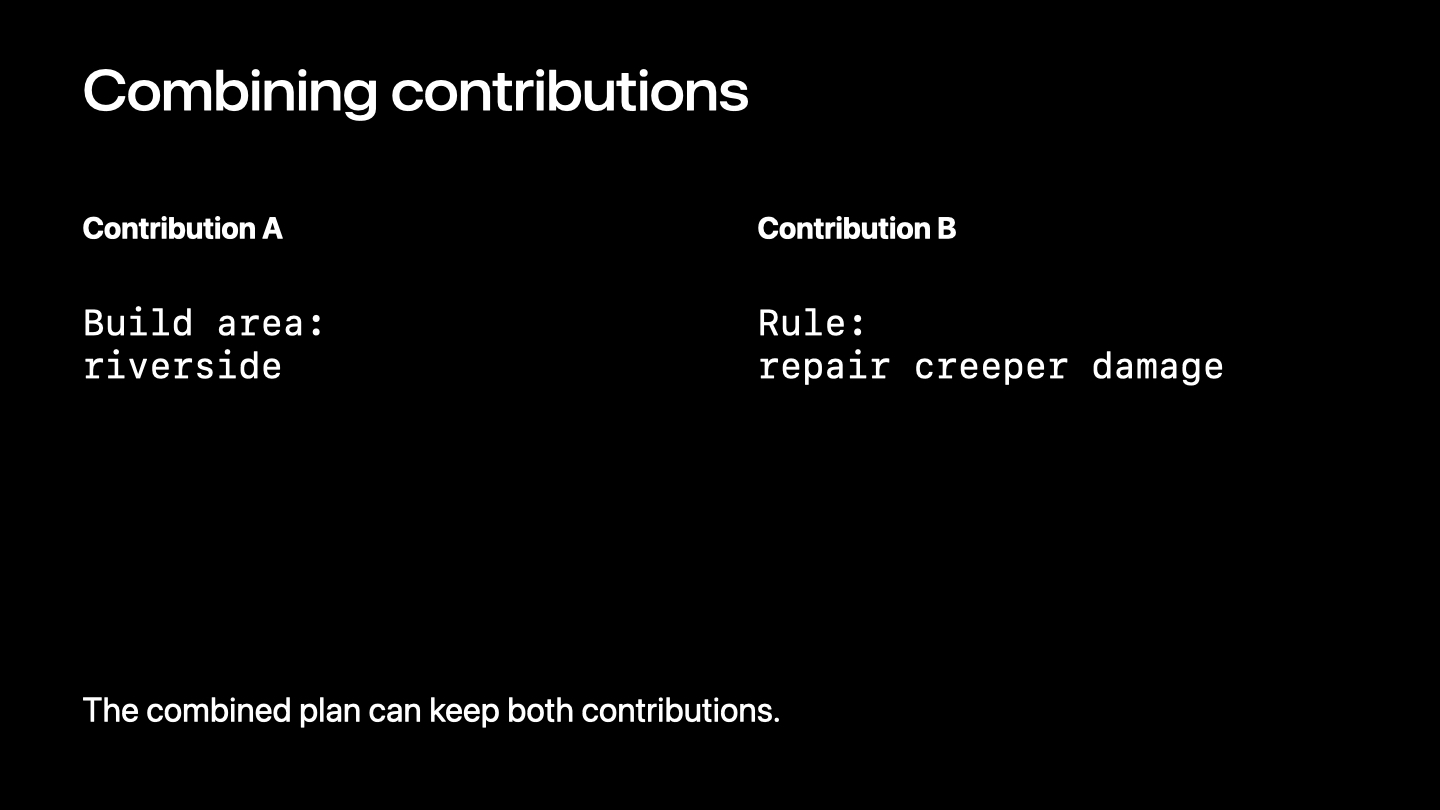
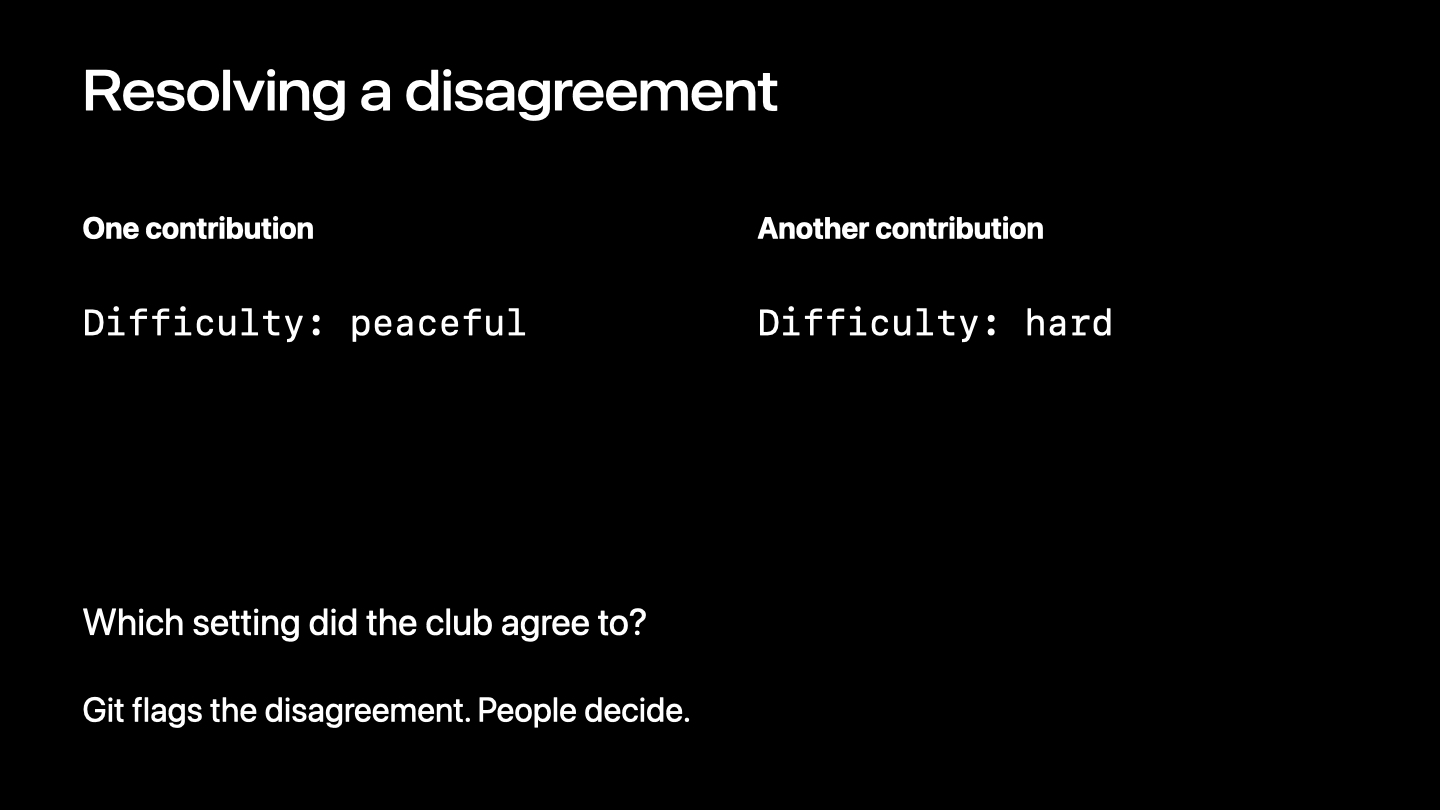
Compatible edits can often merge automatically. Conflicting decisions need a person to resolve them. GitHub gives a team a shared place for its repository.
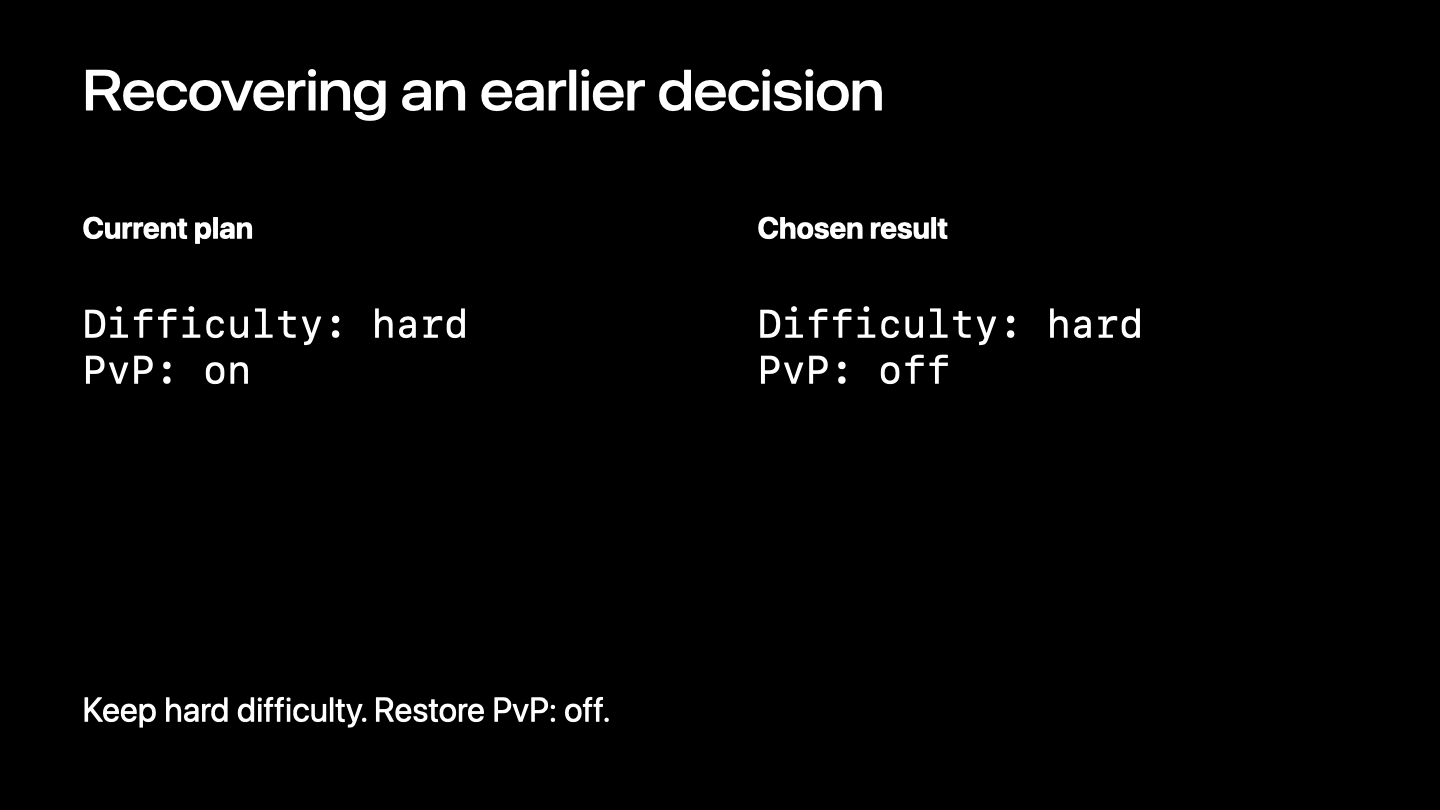
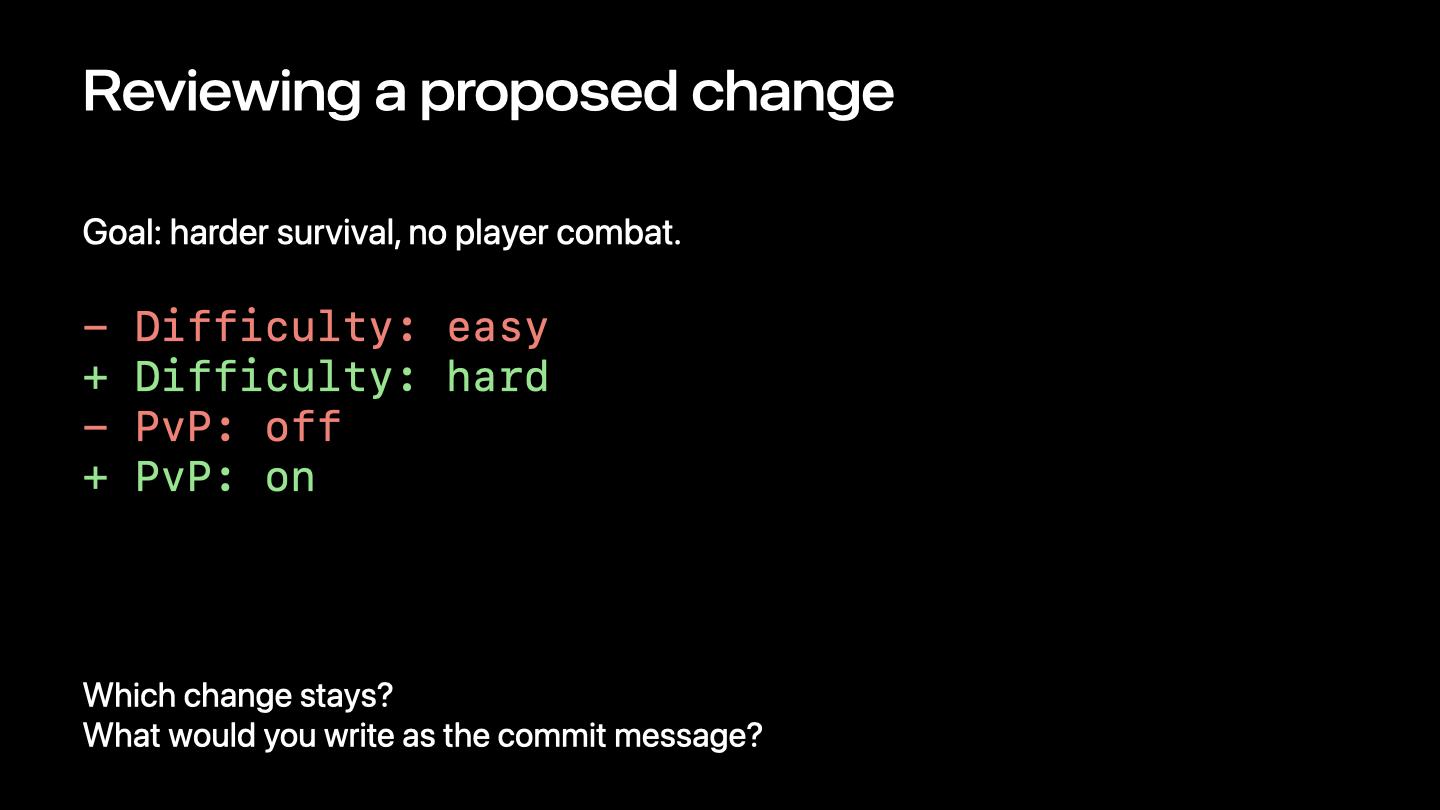
The request is harder survival with no player combat. Keep hard difficulty, keep PvP off, and describe the decision clearly.
End of the presentation.
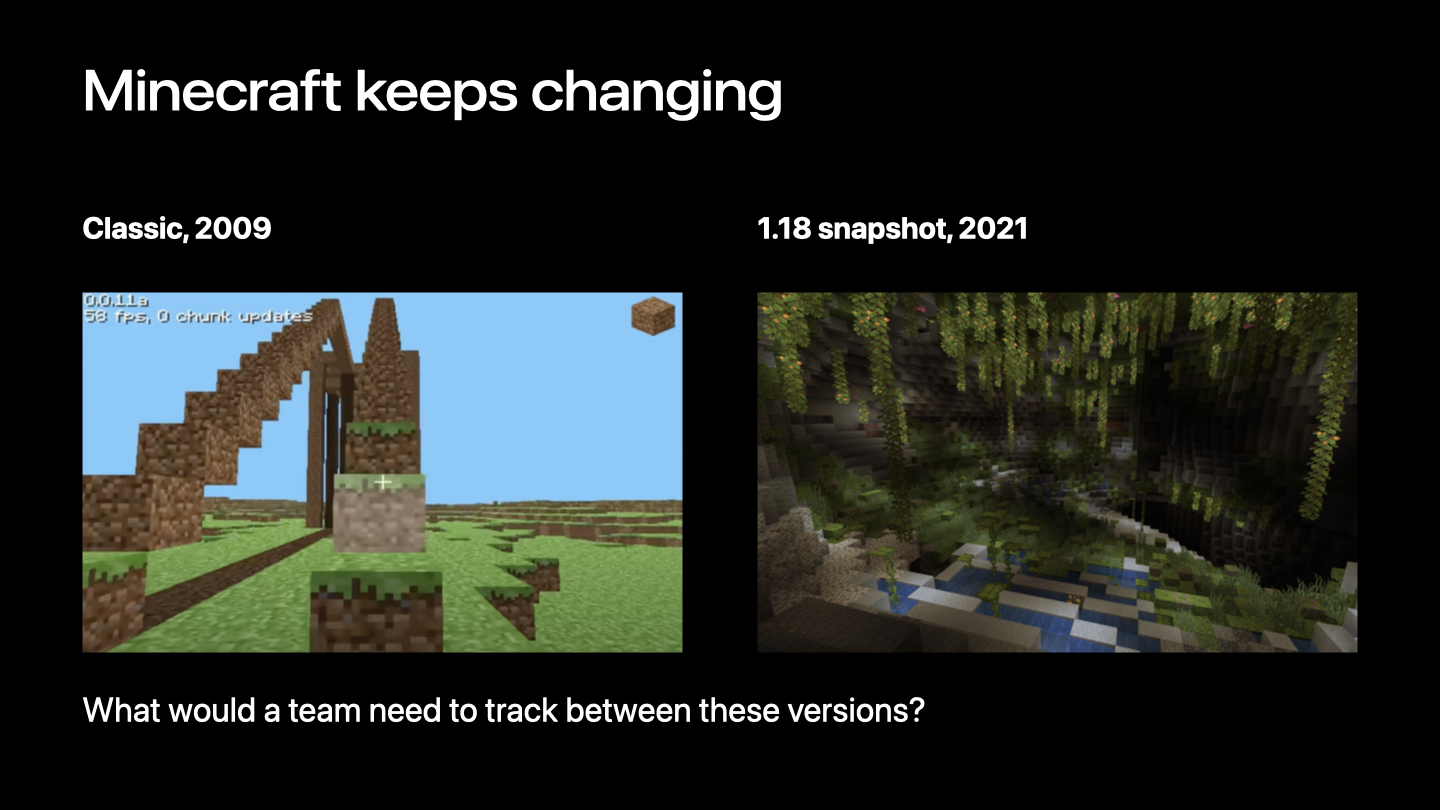
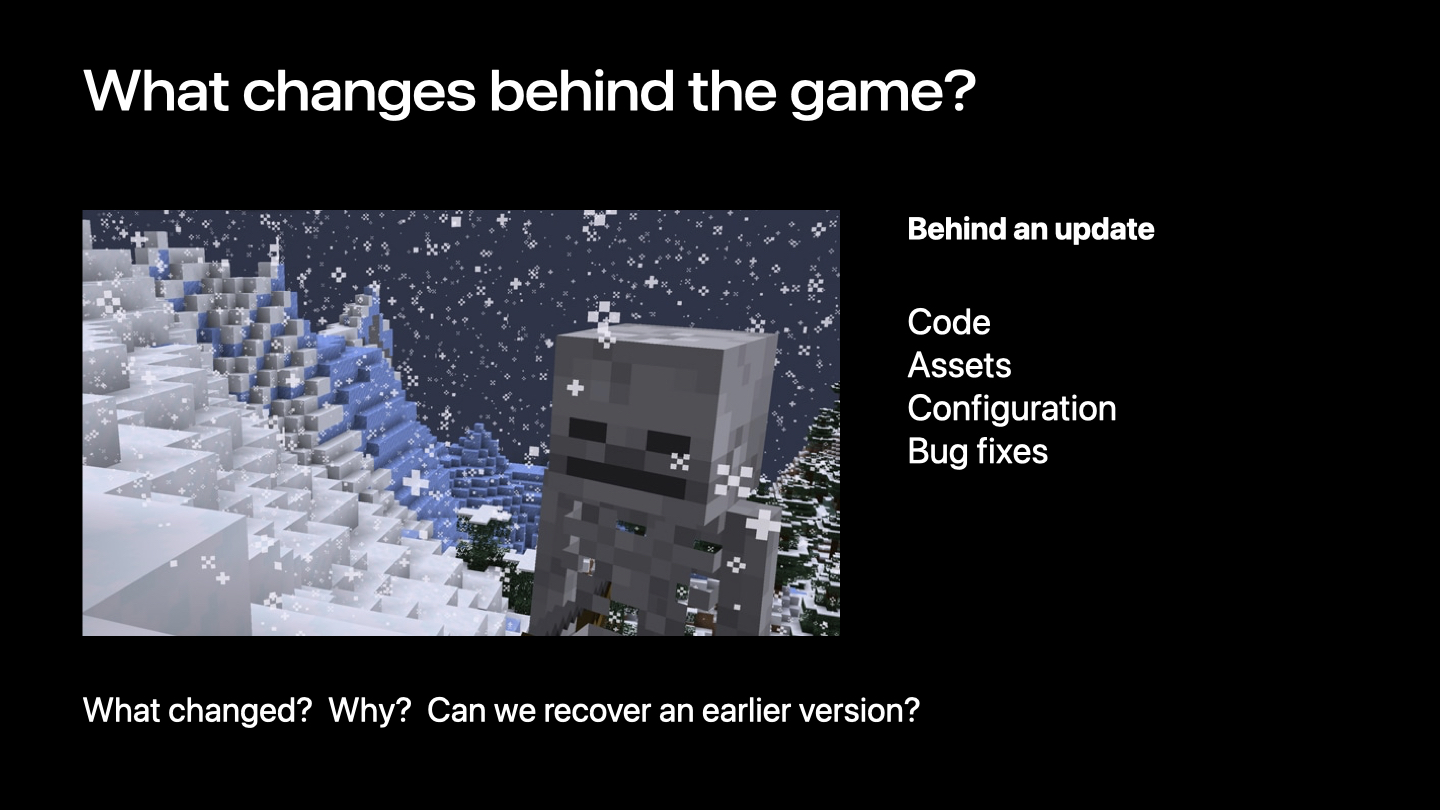
Minecraft looks very different across releases. Behind an update, code, assets, configuration, and bug fixes all change. A team needs to know what changed and why. Git records a project's history so those decisions can be inspected later. The Minecraft screenshots illustrate how software evolves; they do not describe Mojang's internal tools.
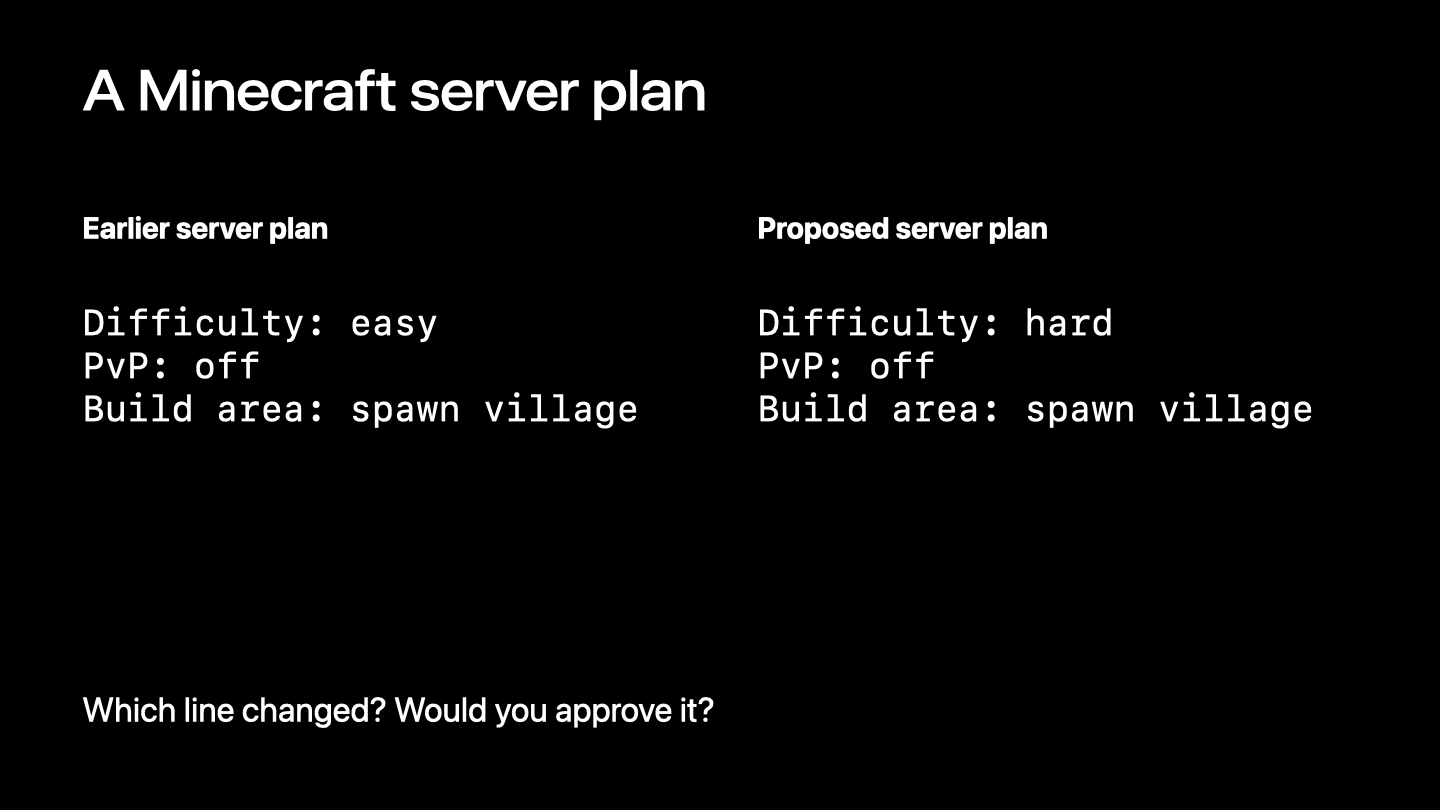
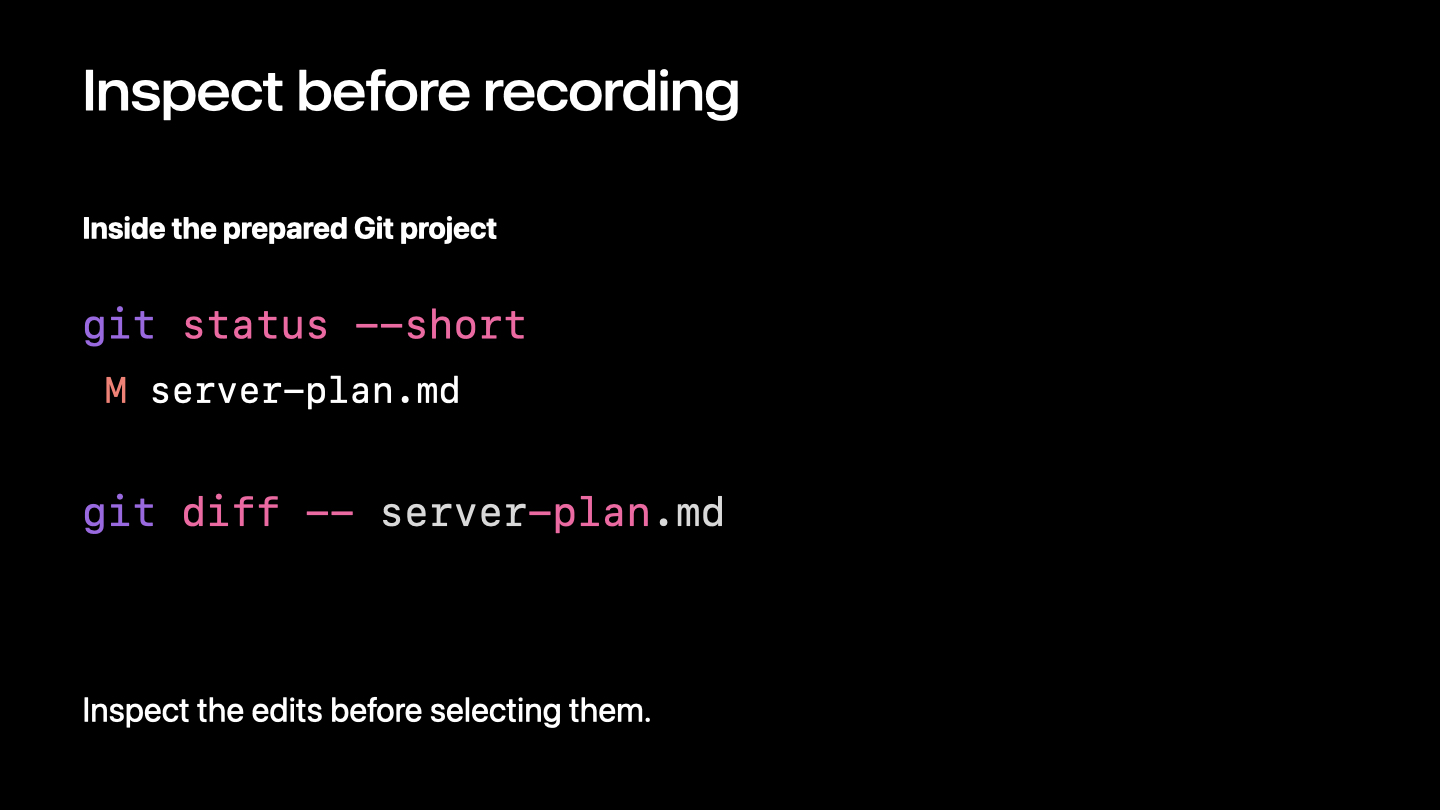
The example is server-plan.md, a planning document rather than a Minecraft configuration file. The proposed edit changes difficulty from easy to hard. PvP remains off and the build area stays at spawn village. In a diff, minus marks removed content and plus marks added content. Unchanged context helps us see what the edit affects.
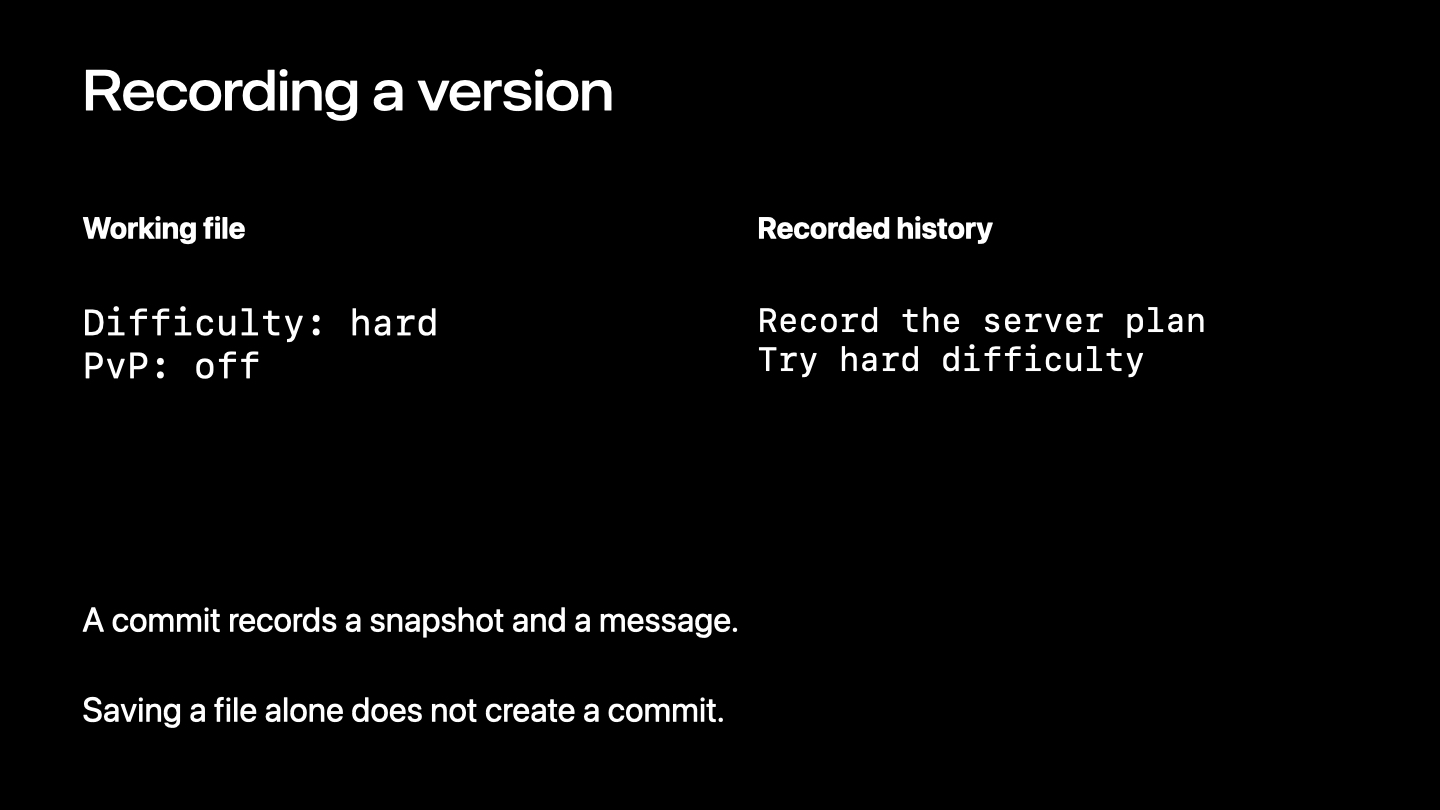
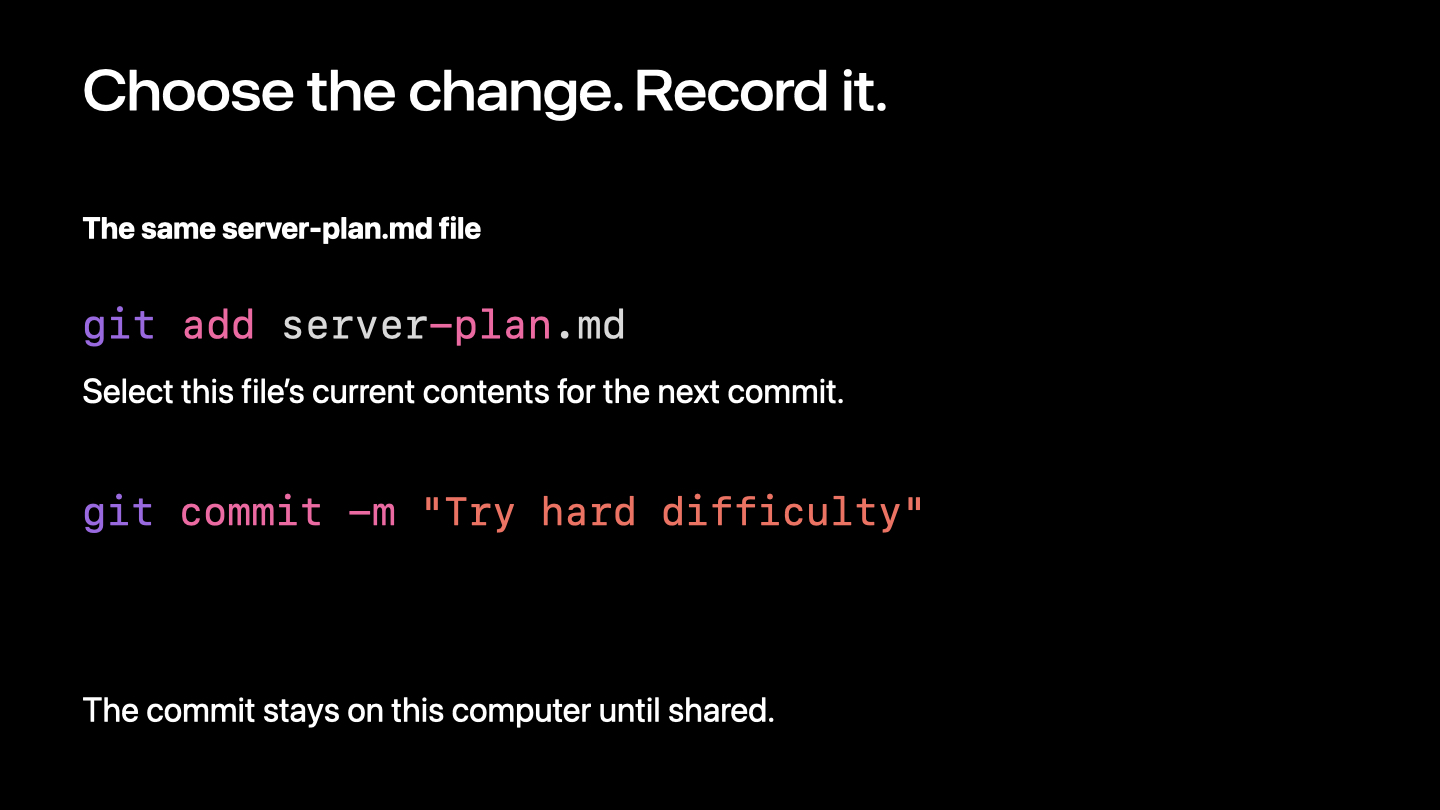
git diff -- server-plan.mdgit status shows the working tree's state. git diff shows unstaged edits. git add stages the current contents of a file; later edits need to be staged again. git commit records the staged snapshot locally. Saving a file alone does not create a commit, and a commit does not automatically upload anything.
git status --short
git diff -- server-plan.md
git add server-plan.md
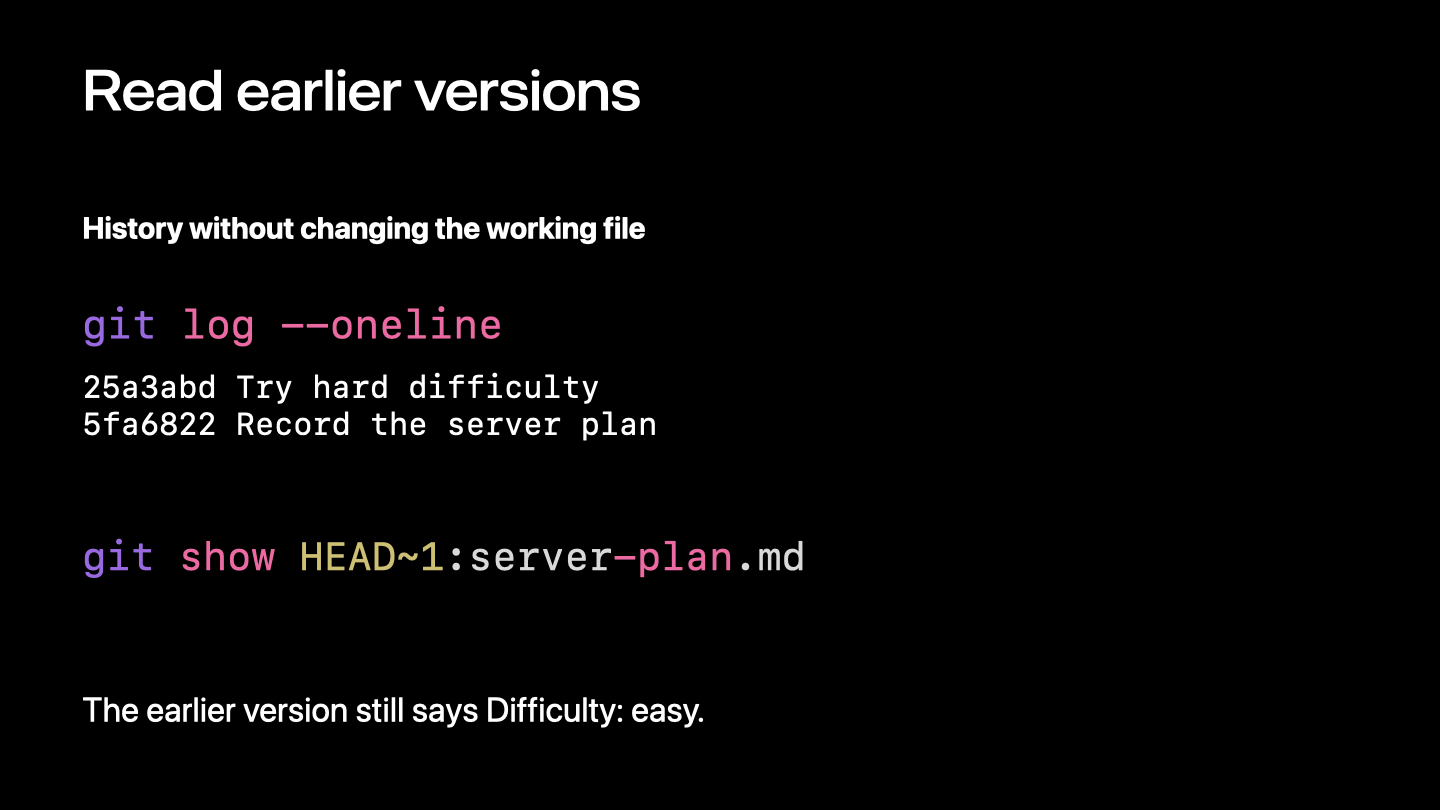
git commit -m "Try hard difficulty"git log --oneline lists commits with short identifiers and messages. In this linear example, HEAD is the current commit and HEAD~1 is its first parent. git show prints the plan from the earlier commit. If a later change enabled PvP, we can restore just that decision to off while keeping hard difficulty, review the diff, and record another commit.
git log --oneline
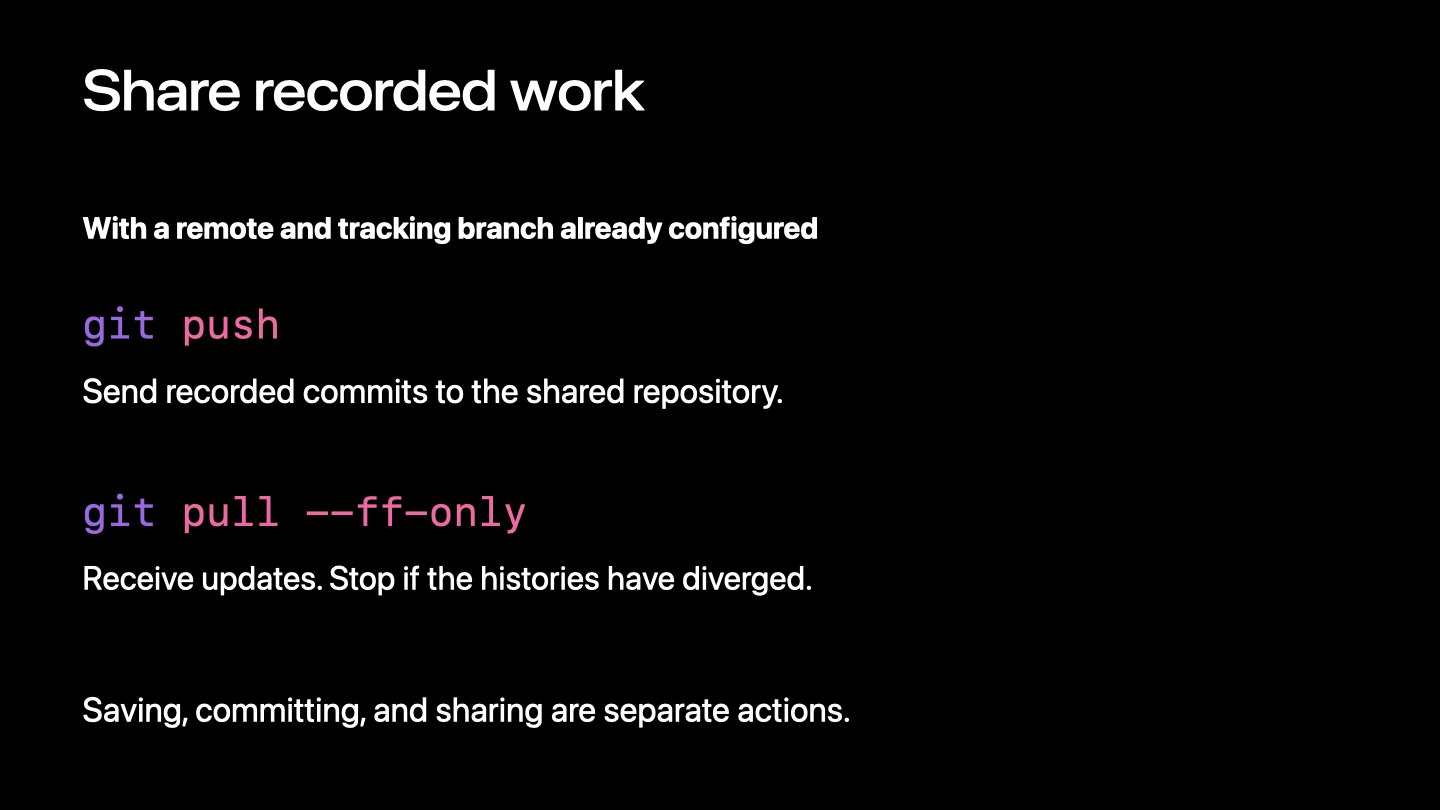
git show HEAD~1:server-plan.mdTwo people can work from a common starting plan. Separate edits may combine, but the result still needs review. When two contributions change the same difficulty line differently, Git cannot decide the club's intended policy. Git is the version-control tool; GitHub hosts repositories and supports contribution review. With a remote and tracking branch configured, push sends commits and pull --ff-only fetches and advances only when the histories allow a fast-forward.
git push
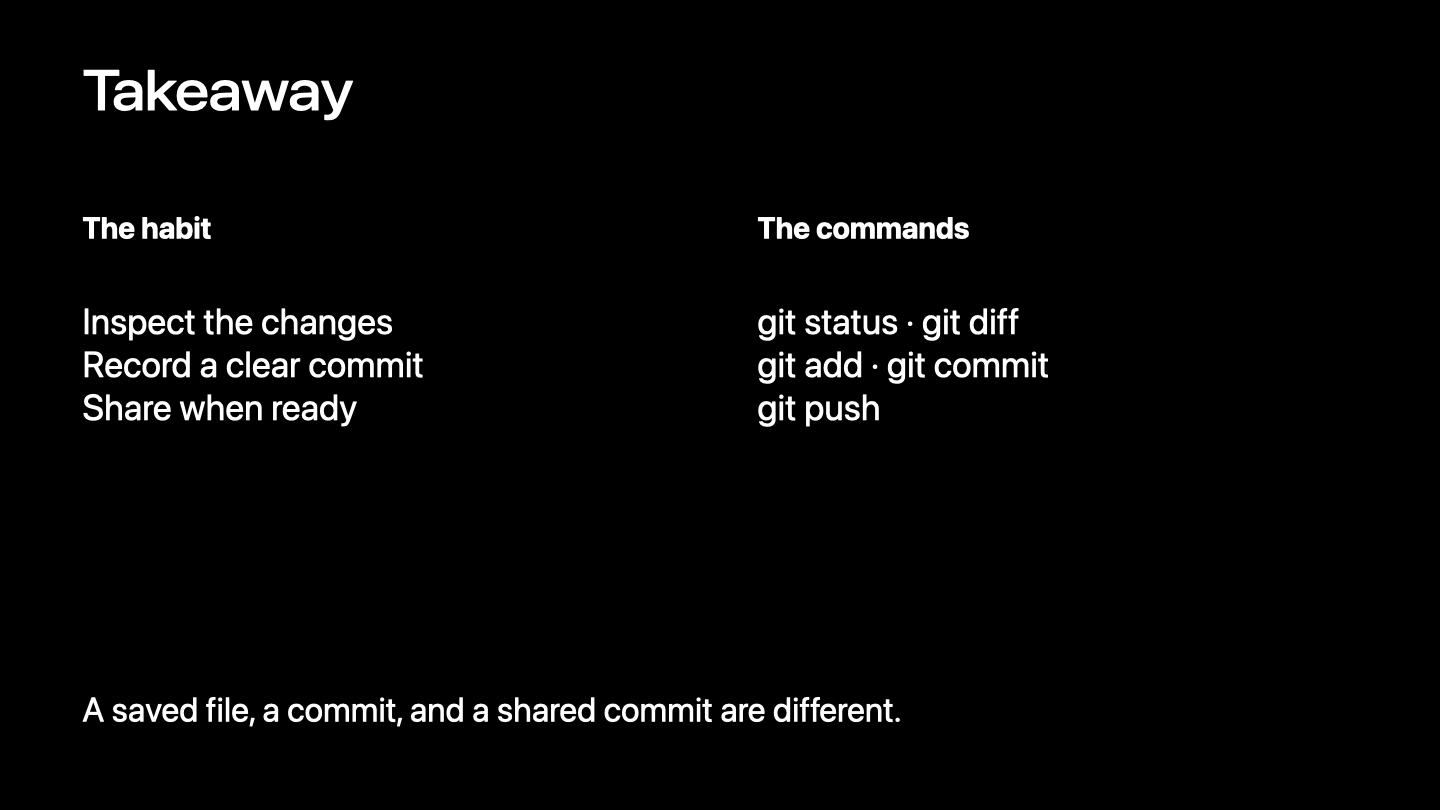
git pull --ff-onlyThe proposed diff both increases difficulty and enables PvP. Only the difficulty change matches the request. A useful commit message is "Increase difficulty, keep PvP disabled". The takeaway is to inspect the changes, record a clear commit, and share when ready. A saved file, a commit, and a shared commit are separate actions.
No matching notes. Try another search.